
Windows · Mac · Chromebook
Analyse-Trading on your computer
A real app window, with its own icon on your desktop and taskbar. Your feed, your signals and Flash News one click away, without opening the browser.
Free. Nothing to download: installing takes two seconds.
- Free
- No .exe file
- Always up to date
 Analyse-Trading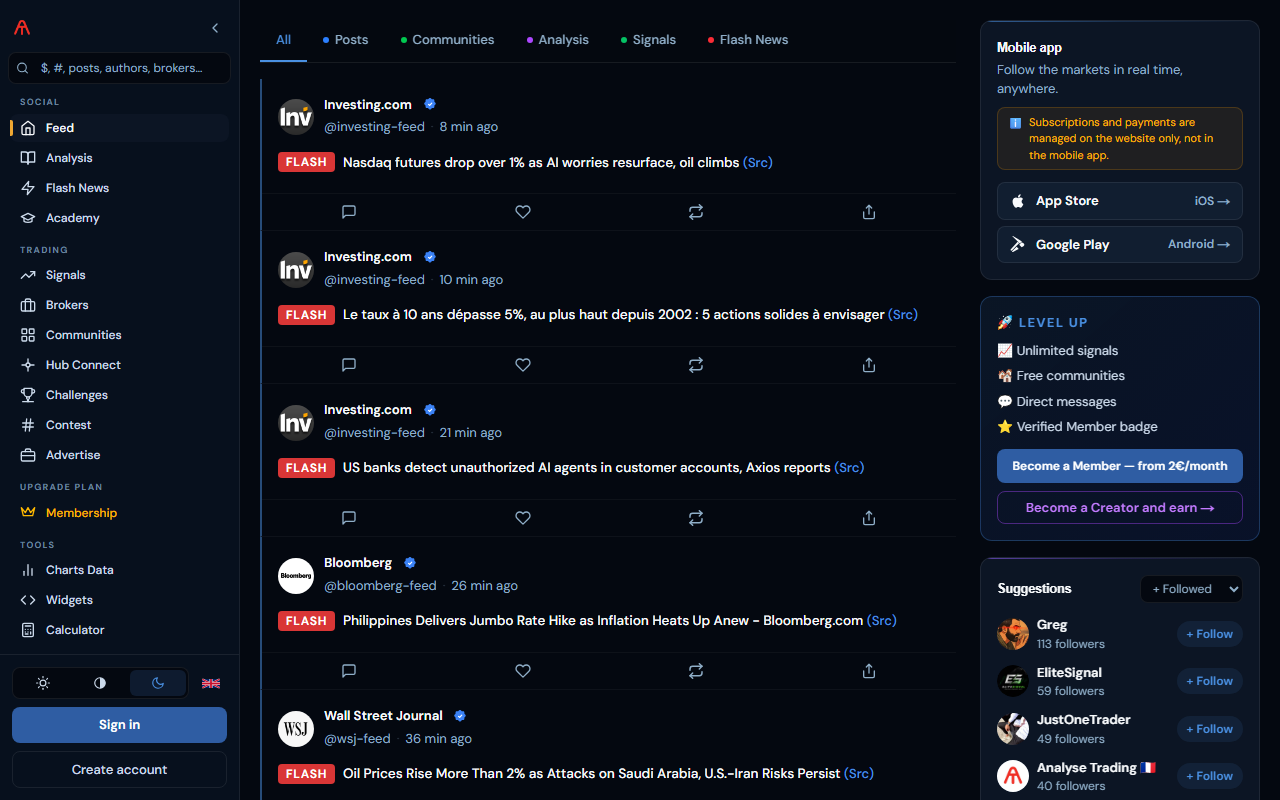
Install by hand
Pick your browser.
- 1Click the install icon on the right of the address bar (a screen with an arrow).
- 2Or open the ⋮ menu → “Cast, save and share” → “Install page as app”.
- 3Confirm with “Install”: the app opens in its own window and is added to the Start menu.
Questions
Is it safe?
Yes. Nothing to download or run: your browser opens the official analyse-trading.com site in its own window, with the same secure connection.
How do I update it?
Nothing to do: the app always shows the latest version of the site.
How do I uninstall it?
Open the app, click the ⋮ menu at the top right, then “Uninstall”. On Windows you can also go through Settings → Apps.